

Data Enrichment
Browse AI
No-code website monitoring and extraction.
Free plan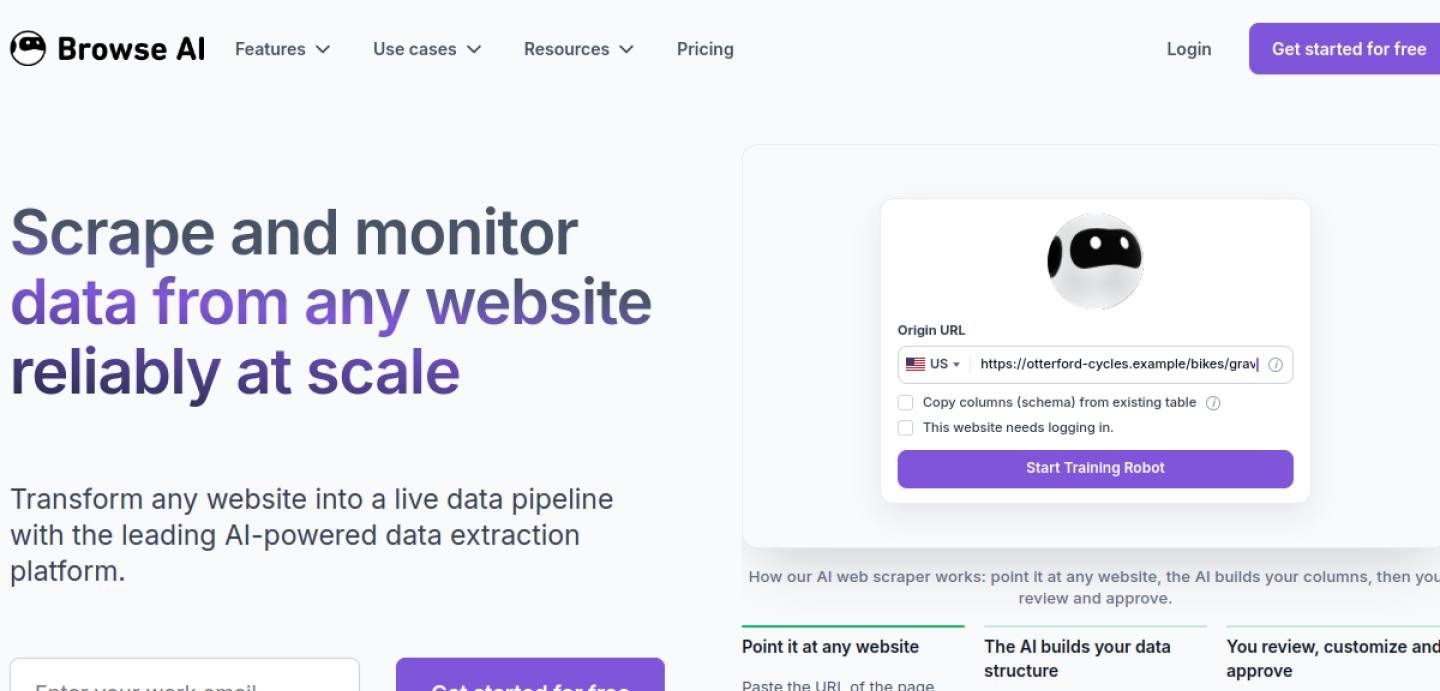
- Category
- Data Enrichment
- Use case
- Web extraction
- Team fit
- SMB
What it is used for
Web extraction
No-code website monitoring and extraction
Field coverage
List the firmographic, contact, technographic, or intent fields that would change a sales decision.
Data governance
Check source transparency, refresh behavior, confidence signals, and how conflicting values are handled.
System sync
Test write-back rules and permissions so enrichment improves the CRM instead of creating duplicate records.
When it fits
Use it when
- Records already live in the CRM or a sheet.
- You know which fields would change a sales decision.
- Write-back rules and owners are agreed.
Skip it when
- You are using enrichment to build the whole database from nothing.
- Conflicting field values have no owner.
- Compare Clearbit if you need enrichment instead.
How to start
Start from your own records
Enrich people and companies you already have before you buy net-new names.
Waterfall, then verify
Fill email, then phone, then firmographics. Run a verifier before any send.
Write back to the CRM
If it doesn’t land on the contact record, it didn’t happen.
Pricing
Free plan
Free planper month
- Starter around $19–$39 per month.
Confirm current plans on Browse AI before you buy. Prices checked 30 Sep 2026.
More Data Enrichment tools

Clearbit
Enrichment
B2B data enrichment and intelligence. Built for Mid-market–Enterprise teams.
View tool
6sense Enrichment
Enrichment / intent
Account intelligence and enrichment. Built for Enterprise teams.
View tool
FullEnrich
Enrichment
Waterfall contact enrichment. Built for SMB–Mid-market teams.
View tool