

- Category
- CRM
- Use case
- CRM
- Team fit
- SMB
What it is used for
CRM
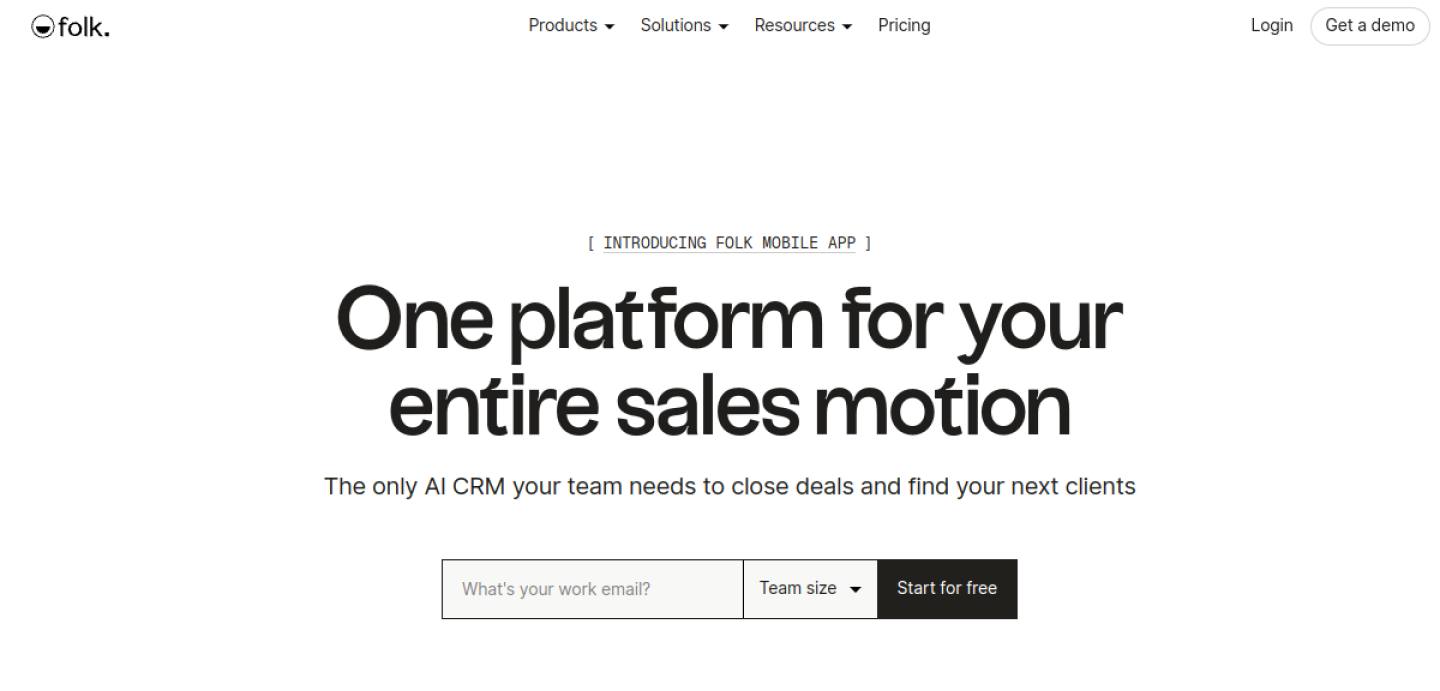
Lightweight CRM for relationship-driven teams
Pipeline and data model
Test the stages, fields, and ownership rules your team needs before importing a large database.
Daily seller adoption
Check how easily a rep can log activity, update a deal, and set a next step during normal work.
Reporting and integrations
Confirm the CRM can connect to the systems that create customer and sales activity data.
When it fits
Use it when
- You need one place for pipeline, activity, and next steps.
- More than one person will own deals.
- You will connect email or a sequencer later.
Skip it when
- A shared spreadsheet still covers every live deal.
- You only need a mailing list, not a pipeline.
- Compare Salesforce if you need crm / pipeline instead.
How to start
Connect the basics
Create an account, invite the people who actually own deals, and connect the mailbox you already sell from. Import a small set of live opportunities — not the whole messy spreadsheet.
Make the pipeline honest
Set stages that match how you sell. Require a next step and a date on every open deal. Turn off fields nobody fills in.
Run one week in it
Log calls and emails as they happen. At week’s end, only trust the board if activity and next steps are complete.
Pricing
Listed price
$16/user/moper user/mo, billed annually
- Paid plans typically start in the mid-teens per user per month, billed annually.
Confirm current plans on Folk before you buy. Prices checked 30 Sep 2026.
More CRM tools

Salesforce
CRM / pipeline
Enterprise CRM and sales platform. Built for Enterprise teams.
View tool
HubSpot Sales Hub
CRM / inbound sales
CRM, sales automation and engagement. Built for SMB–Mid-market teams.
View tool
Pipedrive
CRM / pipeline
Sales-focused CRM and pipeline management. Built for SMB–Mid-market teams.
View tool